
Who this article is for:
- Users with access to Ausmed Events™
The Venues directory
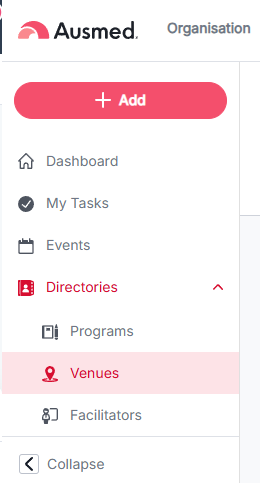
Go to Directories > Venues to see all Venues in your organisation.
The table shows:
| Column | What it shows |
|---|---|
| Venue | The venue's name |
| Address | The venue's address |
| Amenities | Icons for Wifi, Wheelchair Access, Parking, and Food Provided |
| Upcoming Events (in next 3 months) | Number of Events scheduled at this venue in the next 3 months |
| Actions | Actions available for that venue |
Venue, Address, and Amenities can each be filtered using the field under their column header.
Add a Venue
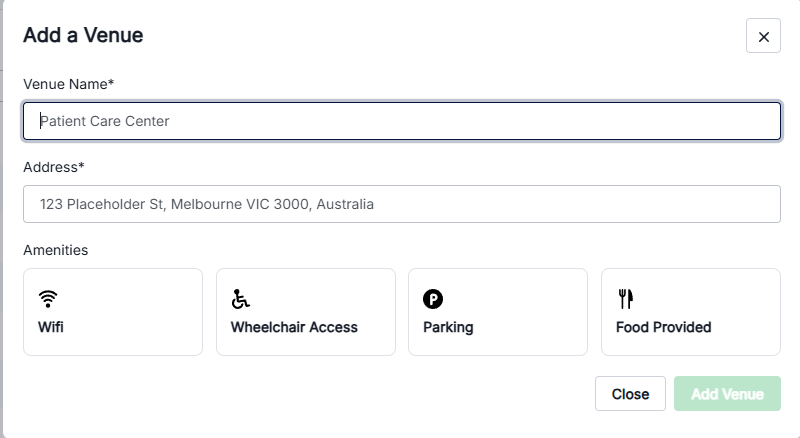
- From the Venues directory, click + Add a Venue.
- Enter a Venue Name (required).
- Enter an Address (required).
- Select any Amenities that apply: Wifi, Wheelchair Access, Parking, Food Provided.
- Click Add Venue.
Tips
- Use the dropdown arrow next to + Add a Venue to bulk upload Venues instead of adding them one at a time.